Server-Side Tracking and GDPR: What Consent Still Covers
Server-side tagging, Meta's Conversions API and Google's enhanced conversions change how data travels, not whether you need consent. What still applies, why hashing is not anonymisation, and what to fix.
Team Adverizeo12 min read
On this page
- 1. The three setups people mean by "server-side"
- 2. What does not change: the device rule still applies
- 3. Consent has to travel with every event
- Google: Consent Mode in a server container
- Meta: the Conversions API has no automatic gate
- 4. Hashing is pseudonymisation, not anonymisation
- 5. Where server-side genuinely helps GDPR compliance
- 6. Settings walk-through
- Common mistakes
- Checklist: what to do this week
- Where Adverizeo fits
- Related reading
Server-side tracking moves the forwarding of conversion data from the visitor's browser to a server you control, which then passes events on to Google, Meta and other platforms. It can make your measurement more reliable and gives you a place to strip out data before any vendor sees it. It does not remove the need for consent. What triggers the consent requirement is what happens on the visitor's device and what you do with the data, not which machine sends the final request. This guide explains what server-side tagging, Meta's Conversions API and Google's enhanced conversions change under GDPR, and what they leave exactly as it was.
1. The three setups people mean by "server-side"
"Server-side" is used for several different things. It helps to separate them, because each has its own consent signal and its own contract terms.
| Setup | What happens | What it sends to the platform | Consent gate it relies on |
|---|---|---|---|
| Server-side tagging (Google Tag Manager server container) | The browser sends events to a container on a server you control, usually on your own subdomain, which then calls the vendors | Whatever you configure the container to forward | Consent state added to each request by the Google tag; Google's own server tags read it, other vendors' tags need your logic |
| Meta Conversions API | Your server (or container) sends events straight to Meta, often alongside the browser pixel | Event data plus customer information parameters, some hashed and some not | Your own logic: Meta's terms make you responsible for having a lawful basis |
| Google enhanced conversions | A conversion is sent with hashed first-party data such as an email address, from the tag, Data Manager or the API | SHA-256 hashes of normalised contact details | Consent Mode: ad_user_data must be granted where consent applies |
As of October 2026 Google is also consolidating its setup. Its help centre says that from April 2026 Google Ads accepts user-provided data from website tags, Data Manager and API connections at the same time, and that from June 2026 enhanced conversions for web and for leads became one feature with a single on/off switch.
2. What does not change: the device rule still applies
Article 5(3) of the ePrivacy Directive requires consent before information is stored on, or read from, a user's device, unless it is strictly necessary for a service the user asked for. A common assumption is that a server-side setup avoids this because "no third-party script runs in the browser". The EDPB's Guidelines 2/2023 on the technical scope of Article 5(3) (final version adopted 7 October 2024) close that gap in three ways:
- Pixels and tracking links are covered. Delivering them to a device counts as storage, at least through the browser cache, even if it is not permanent.
- JavaScript that sends data back is "gaining access". When code you distribute to the browser instructs it to send identifiers or locally produced information to a server, Article 5(3) applies to that step. A first-party script that posts events to your own server container is still code running on the visitor's device.
- IP-based tracking can be covered too. Unless you can show an IP address does not come from the user's device, the EDPB says you have to take the steps Article 5(3) requires.
The EDPB also notes that Article 5(3) applying does not automatically mean consent is needed; the strictly-necessary exemption has to be assessed case by case. Advertising measurement and audience building are not what a visitor asked for when loading your page, which is why ad platforms expect consent for them. In short, moving the vendor call to your server changes who sends the request. The browser-side collection that starts the chain is still there.
3. Consent has to travel with every event
Once events pass through your server, your server becomes the place where the visitor's choice is respected or ignored. That needs deliberate design.
Google: Consent Mode in a server container
Google's documentation says the Google tag adds the user's consent state as parameters to each HTTP request it sends to the server container. Google's own server tags (Google Analytics, Google Ads Conversions, Google Ads Remarketing and Floodlight) read those parameters and adjust what they send. You set up Consent Mode in the web container, not in the server container. The same documentation describes this behaviour for Google's tags only, so for any other vendor's tag in your server container, build the consent condition into its trigger yourself and test it.
The relevant signals, per Google's consent mode reference:
ad_user_datacovers sending user data to Google for advertising and is required for measurement uses such as enhanced conversions and tag-based conversion tracking. If it is denied, user-provided data is not used for online advertising.ad_storagecovers advertising cookies. If it is denied, no new ad cookies are written, existing ones are not read, and IP addresses are truncated at collection.
Consent Mode has two variants. In basic mode, Google tags are blocked until the visitor interacts with the banner. In advanced mode, the tags load and, when consent is denied, send "cookieless pings" with consent state and limited technical information. Advanced mode still sends something when a visitor says no, so treat the choice as a decision for your data protection lead rather than a default you inherit from a template.
Meta: the Conversions API has no automatic gate
Meta's Business Tools Terms explicitly cover the Meta pixel, the Conversions API and app event tools. Under them you warrant that you have the rights, permissions and a lawful basis to share the data, and in the EU you must ensure in a verifiable way that people have consented before Meta cookies or device storage are used. Nothing on Meta's side stops your server from sending an event for a visitor who clicked "Reject". The filter has to be in your code: no advertising consent, no Conversions API event for that visitor.
4. Hashing is pseudonymisation, not anonymisation
Server-side setups often send more identifying data than a pixel did, because matching a hashed email or phone number improves attribution. Hashing feels like it makes that safe. Legally it does not change the category of the data.
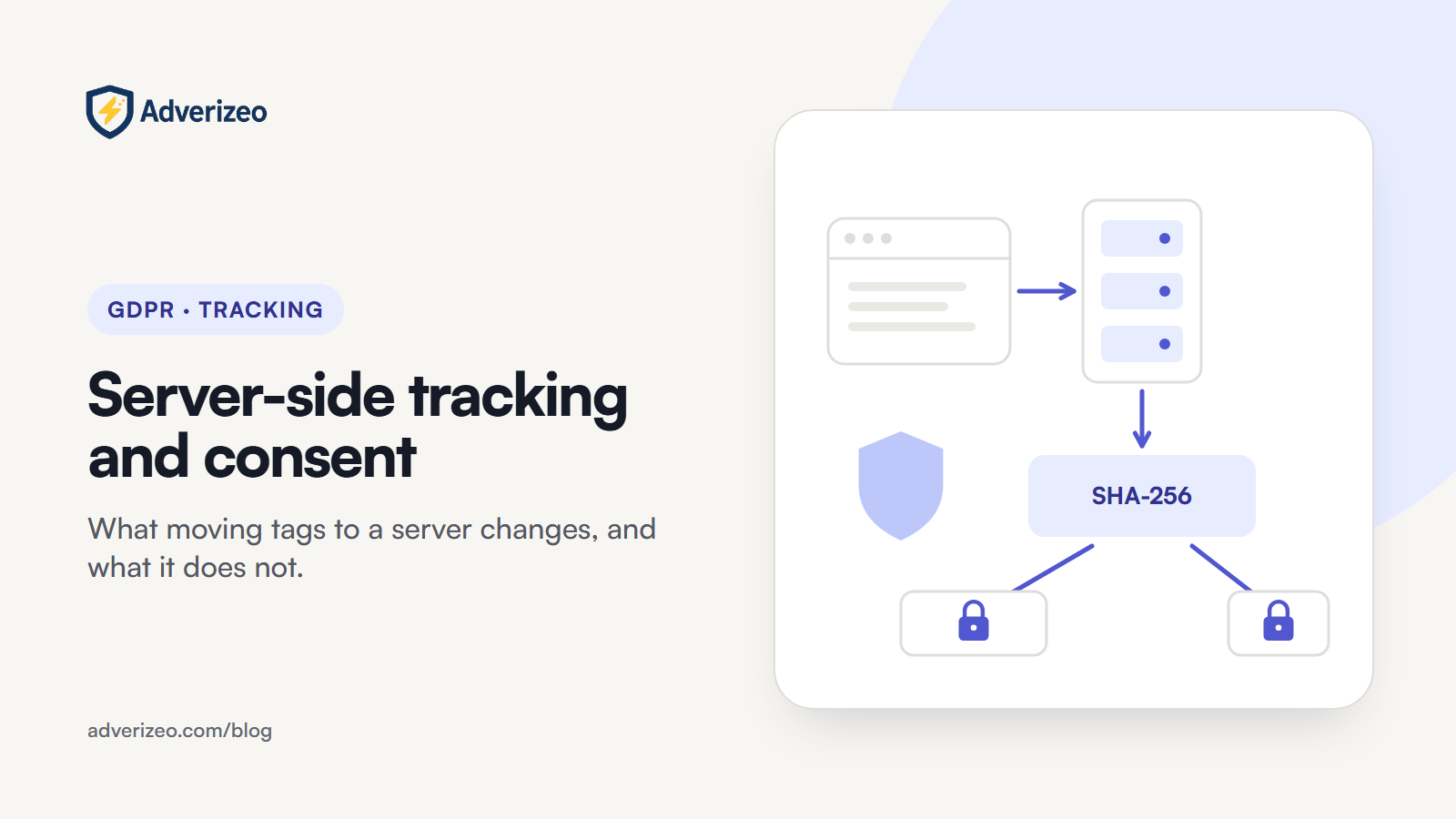
GDPR Article 4(5) defines pseudonymisation as processing data so it can no longer be attributed to a person without additional information kept separately. Recital 26 says pseudonymised data that could be attributed to a person with additional information is information about an identifiable person. The EDPB's Guidelines 01/2025 on pseudonymisation (adopted for public consultation in January 2025) say pseudonymised data stays personal data and point out the weakness of plain hashing: if you know a value is a SHA-256 hash of a name, you can hash the names you already hold and see which match. That is exactly how ad-platform matching works. Google and Meta normalise and hash the same way you do, so they can link your hash to an account.
The Court of Justice added a nuance in EDPS v SRB (C-413/23 P, 4 September 2025): pseudonymised data is not personal data in every case and for every recipient, because a recipient may have no realistic way to re-identify people. The case was decided under the data protection regulation for EU institutions, whose definition of personal data matches the GDPR's. That does not help with ad matching. The platform receiving your hashes is the party built to re-identify them, and you, as the sender, hold the original emails. The Court also held that the duty to inform people is assessed from the controller's point of view at the time of collection, before any pseudonymisation.
It also helps to know what a typical Conversions API event carries. Meta's documentation splits the customer information parameters like this:
| Field (Meta parameter) | Hashed before sending? | Personal data? |
|---|---|---|
Email (em), phone (ph), first and last name, date of birth, city, postcode, country | Yes, SHA-256 after normalising (for email: trim spaces, lowercase) | Yes: pseudonymised, and matchable |
External ID (external_id) | Hashing recommended | Yes: it identifies the person in your systems |
IP address (client_ip_address), user agent (client_user_agent) | No, must be sent unhashed | Yes |
Click ID (fbc), browser ID (fbp) | No, must be sent unhashed | Yes: online identifiers |
Two contract points matter here. Meta's terms say it deletes contact information after the match process. Google says that when you turn on enhanced conversions, the Google Ads Data Processing Terms apply to that data. Both are useful for your records of processing, but neither turns the data into anonymous data or replaces consent.
5. Where server-side genuinely helps GDPR compliance
Used well, a server container is a strong tool for data minimisation (GDPR Article 5(1)(c): data must be limited to what is necessary). Google describes the server container as running on a server you control, where only you see the data until you choose to send it on. That gives you a checkpoint you do not have with a vendor's browser script:
- Drop fields a platform does not need. Free-text form fields, internal notes and order line items rarely improve matching.
- Clean URLs. Strip query parameters that can contain email addresses, names or IDs before forwarding page URLs.
- Watch for sensitive data. Meta's terms prohibit sending health, financial or other sensitive information, or data about children under 13. A page path such as a treatment page on a clinic site can reveal health information on its own, so map which page events should never leave your server.
- Deduplicate. When you run the pixel and the Conversions API together, give both versions of the event the same
event_idand event name. Meta deduplicates matching events received within 48 hours of the first one, so one conversion is counted and stored once.
Two things move with the data, though. The server host processes personal data on your behalf, so you need a processing agreement with it and should check where it runs and whether any transfer outside the EEA is involved. And the container joins your record of processing and your privacy notice as a new link in the chain.
6. Settings walk-through
- Google Ads enhanced conversions. Go to the Goals menu, open Settings, expand "Enhanced conversions" and tick "Turn on enhanced conversions". Accept the customer data terms, then choose how you provide the data: Google tag, Google Tag Manager, or the API and Data Manager route.
- Google Tag Manager. Set Consent Mode defaults (denied for EEA visitors until they choose) and updates in the web container. In the server container, confirm Google tags receive the consent parameters, and add a consent condition to every non-Google tag.
- Meta Conversions API. Forward events only when the visitor's advertising consent is granted. Hash contact fields as Meta specifies, send IP, user agent,
fbcandfbponly for consented visitors, and pass a sharedevent_idwith the pixel. - Your consent tool. Make sure the visitor's choice is available to the server with every event, and that withdrawing consent stops forwarding from the next event onwards.
Common mistakes
- "No third-party cookie, no consent." The device rule covers your own scripts and first-party identifiers used for advertising too.
- Calling hashed data anonymous in a privacy notice or a processing record.
- Forwarding everything by default: full IP addresses, user agents and full URLs to every platform, whether needed or not.
- Assuming non-Google tags read Google's consent parameters. Each vendor tag in a server container needs its own consent condition.
- Treating the server as a way around ad blockers and refusals. Recovering data lost to blocking is a technical question. Sending data for people who refused is a legal one.
- No dedup ID, so the same purchase is processed twice and reported twice.
Checklist: what to do this week
- Draw your data flow: browser, consent tool, server container, each destination, with the fields sent to each.
- Run a rejected-consent session and check server logs: no advertising events should leave for that visitor.
- Confirm
ad_user_datais sent as granted or denied, never missing, for EEA traffic. - Add a consent condition to every non-Google tag in the server container.
- Remove free-text fields and personal data in URL parameters from forwarded events.
- List pages whose URL or event name reveals sensitive information and block them from forwarding.
- Check that pixel and Conversions API events share an
event_id. - Sign or review the processing agreement with your server host and update your privacy notice and record of processing.
Where Adverizeo fits
Tracking runs in your tag manager and ad platforms, so Adverizeo does not touch it. Adverizeo works on the ads themselves: every text ad gets a compliance score from 0 to 100 with suggestions, a risk check rather than a legal guarantee. You can test existing copy with the free GDPR ad checker without an account, and see how Adverizeo handles data on our GDPR page.
Related reading
- The complete guide to GDPR-compliant marketing for European SMEs
- GDPR retargeting: what EU advertisers need in place (audiences, retention and customer lists)
- Google Ads GDPR settings: complete configuration guide
- GDPR cookie consent: a practical guide for European SMEs
- Cookie consent and consent management: implementation guide
- GDPR data processing agreements explained for marketers
Pair a clean tracking setup with ad copy that is checked for compliance risks. Start free with Adverizeo.
This article is general information, not legal advice.
Frequently asked questions
Is server-side tracking GDPR-compliant by default?
No. It is a way of transporting data. Compliance depends on what you collect on the device, which fields you forward, your legal basis, and whether the visitor's consent choice controls what leaves your server.
Can I use server-side tracking for analytics without consent?
Analytics is a separate question from advertising. Whether a consent exemption can apply to a narrowly limited measurement setup depends on the exact purpose and on national rules, so check your national regulator's current guidance before relying on one. Advertising measurement and audiences need consent either way, and data collected under an exemption should never be reused for ad targeting.
Does a server container on my own subdomain make the cookies first-party and therefore exempt?
First-party is about who sets the cookie, not why. A cookie or identifier used to measure or target advertising needs consent whether it is set by your domain or a vendor's.
Who is responsible if my server sends data the visitor refused?
You are, as the controller that collected the data and decided to forward it. The platforms' terms place the duty to have a lawful basis and consent on the advertiser.